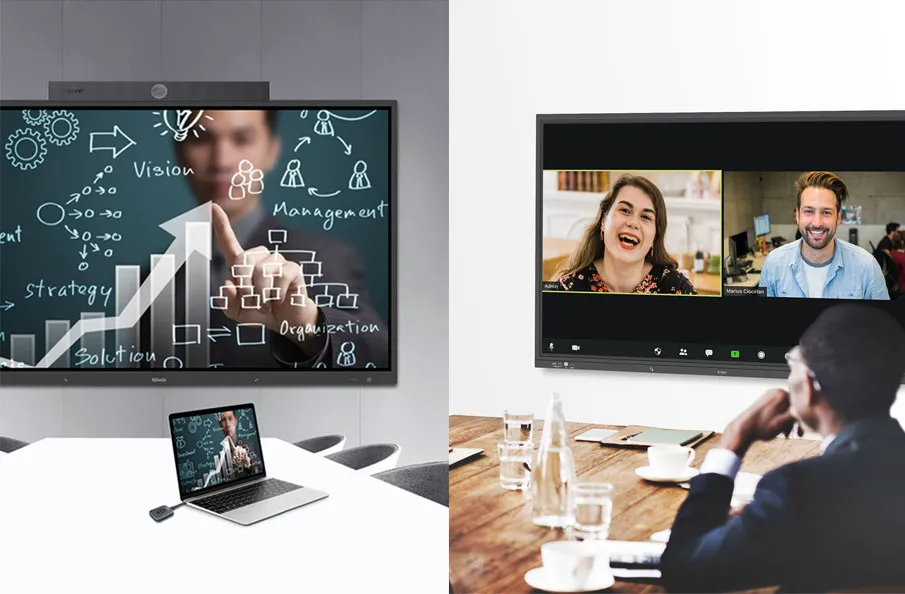
An interactive display is a mounted device that enables users to make vibrant visual presentations and control on-screen data through digital touchscreen interactions.

An overview of interactive displays
Interactive displays are like giant tablets mounted on the wall. Interactive displays are also referred to as LFID (large-format interactive displays), interactive touchscreens, boards, and sometimes interactive whiteboards with PCs. Interactive displays are usually powered by Android but users will usually have the option to add in Windows so they can use all their familiar software. For example, IQ interactive displays, named IQTouch flat panel series, have dual O.S. – Android system and Windows 10 Pro.
Discovering interactive tools
Users interact with the interactive display using their fingertips, including stylus pens (also known as dummy pens as they are usually a plastic pen barrel with a plastic or felt tip). For example, all IQ interactive displays include two special pens as a bonus. A remote control is usually always included as another way to control the display from a distance. Compared to a projector, the image quality of an interactive display is impressive.
Enhancing teaching effectiveness
Educational technology is an inherent part of the collaborative learning process in today’s ever-changing world. The goal is to empower educators with the most effective classroom technology that motivates learning and improves student achievement. IQTouch Interactive Display enables you to do what you do best – educate students.
For a better education
IQTouch Interactive displays not only allow teachers and presenters to share information more clearly, but their touchscreen capabilities also facilitate a more engaging experience for the entire audience. While traditional keyboard and stylus input options are available, today’s leading interactive displays feature multi-touch controls that recognize up to 20 simultaneous points of touch. Unlike interactive whiteboard products that often require extensive training for new users, these interactive panels capitalize on the widespread popularity of tablets and smartphones by offering intuitive touch controls that feel familiar from the very first use.
Here are some other articles that we think might interest you:
Seamless Multimedia Integration for Interactive Classroom Presentations
Embrace the Power of Technology in Education with Q-NEX Smart Classroom Podium
IQTouch Interactive Display: Enhancing Collaborative Learning with State-of-the-Art Technology