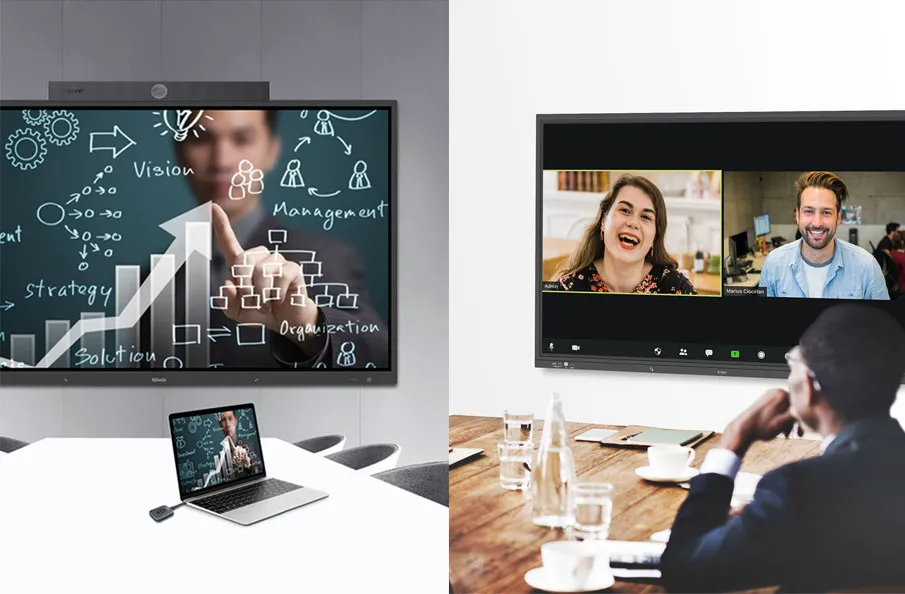
An interactive whiteboard is a large display that connects to a computer and a projector. The projector projects the computer’s desktop onto the board’s surface, where users control the computer with a pen, finger, or other device. The board is typically mounted to a wall or floor stand. Student response systems and other such accessories enable interactivity among students.

6 Uses of Interactive Whiteboards in the Classroom
These are some important reasons why Interactive Whiteboards increase the interactivity between teachers and students in the classroom:
Bridging the Tech Divide
Technophobic teachers can use these whiteboards with ease for presentations from the front of the classroom;
Interactive Feedback and Engagement
When used for interactive testing of understanding for the entire class, interactive whiteboards can rapidly provide learner feedback;
Bringing Digital Literacy to Life
Teachers can practically demonstrate how to search Wikipedia or Google or how to attach a photo to an email;
Hands-On Learning Made Easy
Teachers can have students set a virtual dial clock on the touch screen with their finger to the time the teacher announces. This will teach students to tell time;
Streamlining Classroom Management
Teachers can have students check off their names on the interactive whiteboard as part of the roll call in the morning;
Voting, Feedback, and More
An interactive whiteboard can be used for voting on different activities in the classroom.
Engaging Students, Empowering Learning
Interactive whiteboards allow children to interact with the learning material. They become a part of the lesson and can even teach each other. Educational games can be played by entire classrooms. They also provide immediate feedback, so students and teachers can easily assess student progress.
Here are some other articles that we think might interest you:
Maximizing Teaching Resource: Extending Hybrid Classroom across the Campus
Transform Your Classroom with Q-NEX’s Smart Classroom Automation Solution
Streamlining Classroom Scheduling: Q-NEX Console for Automated Operations