Table of Contents
- Introduction
- Benefits of Presentation Switchers
- Types of Presentation Switchers
- Choosing the Right Presentation Switcher
- Installation and Configuration
- Advanced Features of Presentation Switchers
- Maintaining Your Presentation Switcher
- Conclusion
- FAQ
- What is a presentation switcher?
- How does a presentation switcher improve image quality?
- What types of presentation switchers are available?
- What factors should I consider when choosing a presentation switcher?
- How do I install and configure a presentation switcher?
- What are some advanced features of presentation switchers?
- How do I maintain my presentation switcher?
- Can presentation switchers handle audio as well as video?
Introduction
Presentations are a cornerstone of modern business communication. Whether you’re pitching a new idea, training employees, or hosting a remote meeting, a smooth and engaging presentation can significantly impact your audience. Unfortunately, many conference rooms are still equipped with outdated technology that complicates rather than facilitates the process. Issues such as tangled cables, flickering displays, and frustrating connection problems can quickly derail your presentation, leaving a negative impression on your audience.
Presentation switchers are the ultimate game-changers in this scenario. They streamline the process, ensuring a smoother, more professional presentation experience. By integrating advanced technology, presentation switchers eliminate the common pitfalls associated with traditional setups. This guide explores the various benefits of presentation switchers, different types available, and how to choose and maintain the best switcher for your needs.
Benefits of Presentation Switchers
Seamless Source Switching
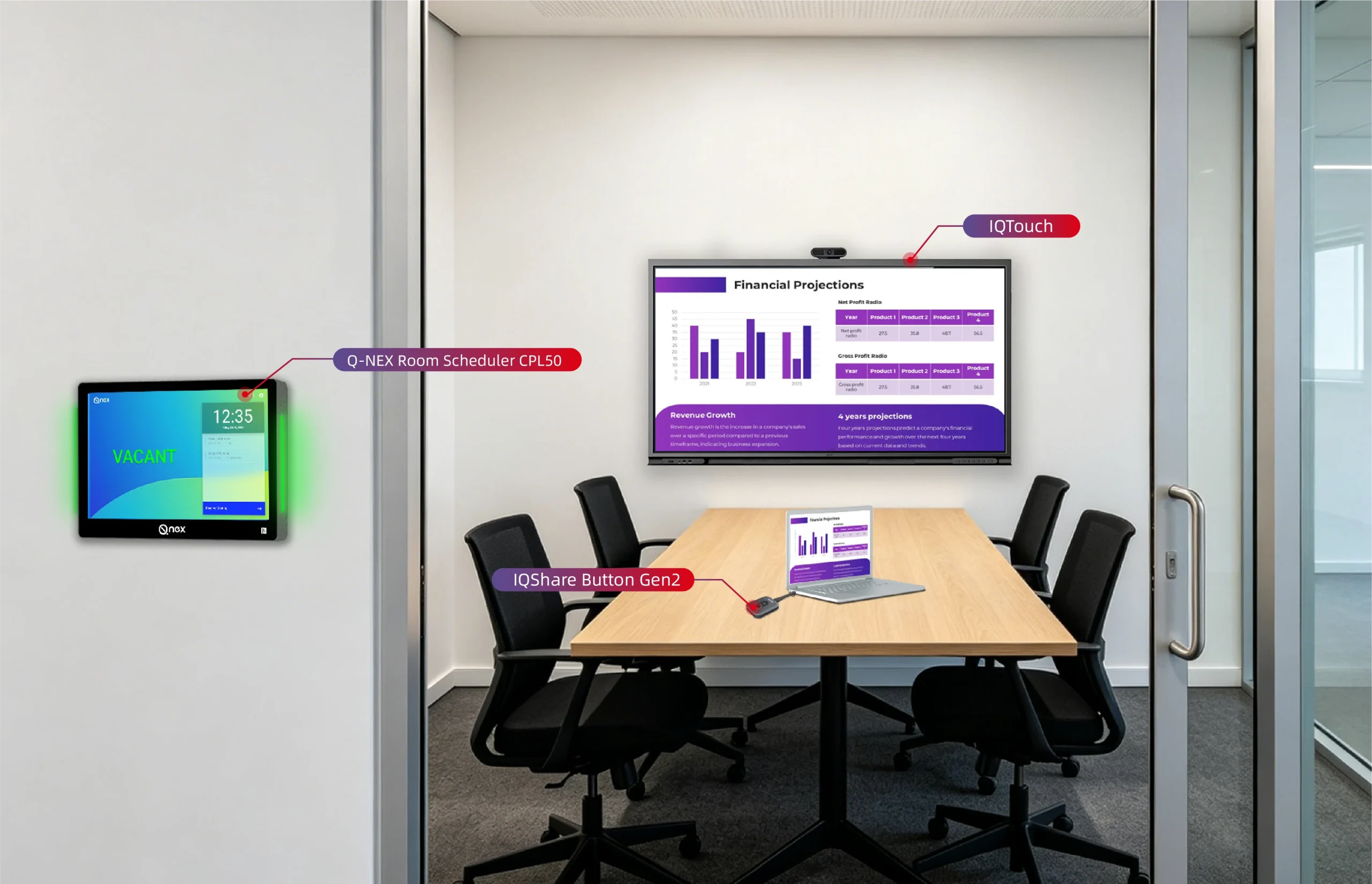
Presentation switchers function as the central hub for managing multiple audio and video sources in your conference room. One of the most significant advantages is the ability to switch between different sources effortlessly. Imagine the convenience of transitioning from a laptop presentation to a high-resolution video camera feed or a document visualizer—all with a single touch of a button. This eliminates the hassle of manually swapping cables, saving valuable time and reducing the risk of technical glitches that can disrupt your presentation.
Enhanced Image Quality
Modern presentation switchers are designed to support high-definition (HD) and even ultra-high-definition (UHD) resolutions. This capability ensures that your presentations are displayed with crisp, clear images, enhancing the overall professional quality. Blurry images and pixelated content can distract from your message, but with a high-quality switcher, your visual content will remain sharp and engaging, contributing to a more impactful presentation.
Improved Collaboration Capabilities
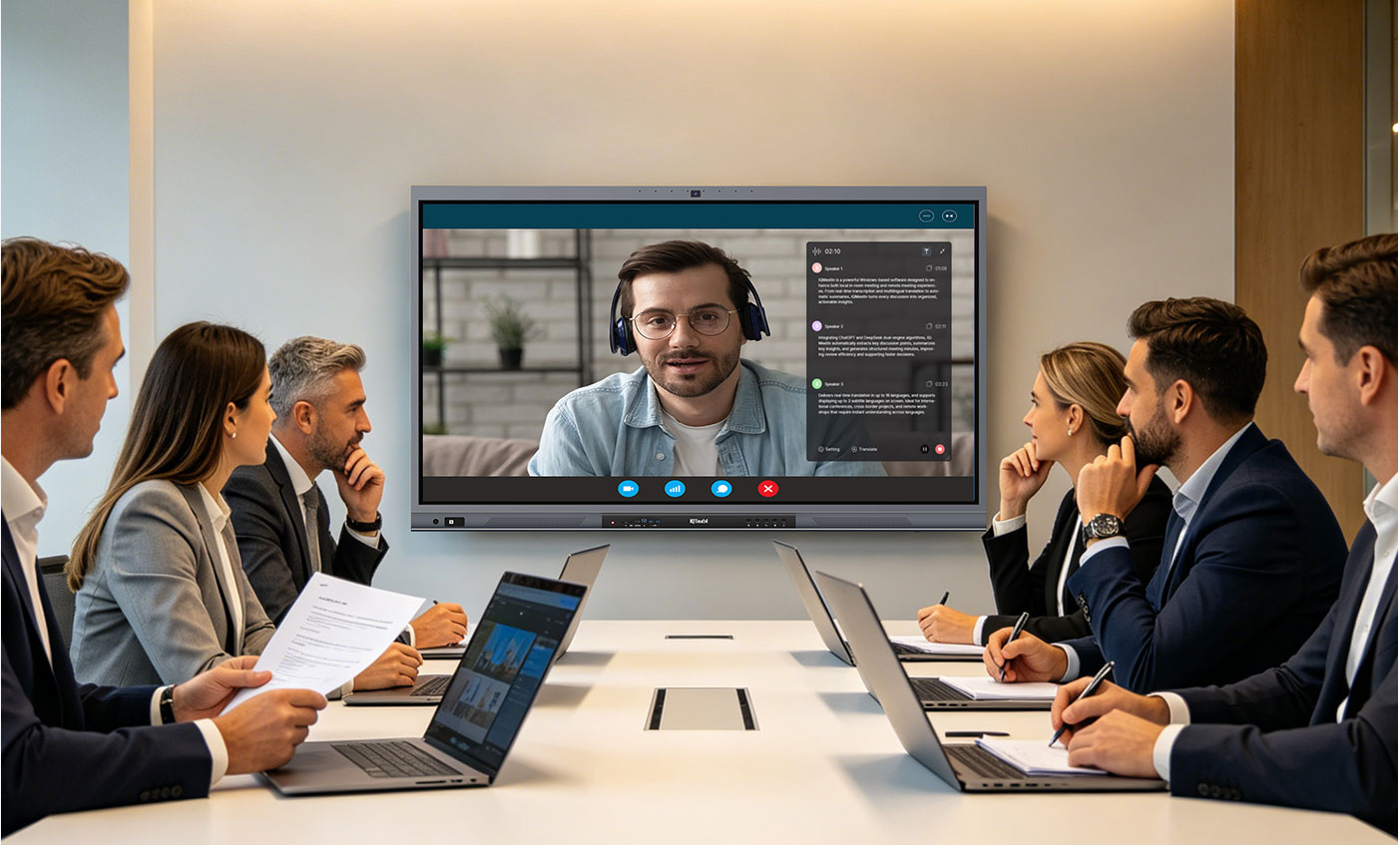
Many presentation switchers come equipped with multi-view functionality, which allows you to display multiple sources simultaneously. This feature is particularly beneficial for collaborative environments, such as brainstorming sessions or team meetings, where participants need to view different content side-by-side. Enhanced collaboration capabilities make it easier to share ideas and work together efficiently, improving the overall productivity of your meetings.
Increased User-Friendliness
Presentation switchers are designed with user-friendliness in mind. Even those with limited technical expertise will find these devices easy to operate. Intuitive interfaces and straightforward controls simplify the process of managing audio and video sources, ensuring that anyone can deliver a flawless presentation without the need for extensive technical knowledge.
Types of Presentation Switchers
Choosing the right presentation switcher involves understanding the different types available and how they meet your specific needs. Here’s a breakdown of the three main types:
Manual Presentation Switchers
Manual presentation switchers are the most basic type, offering source selection through physical buttons or dials. They are a cost-effective option for simple setups with a limited number of sources. These switchers are ideal for small conference rooms or situations where minimal switching is required.
Automatic Presentation Switchers
Automatic presentation switchers take convenience to the next level by offering automatic switching between sources based on predefined settings or detection of connected devices. This is perfect for presentations that involve frequent source changes or require a seamless flow without manual intervention. They offer features like various switching modes (cut or fade) and control options, such as remote controls or touch panels.
Choosing the Right Presentation Switcher
Manual Presentation Switchers
When selecting a manual presentation switcher, consider the following factors:
- Input and Output Options: Ensure the switcher has the necessary connections, such as HDMI, VGA, and DisplayPort, to accommodate all your devices.
- Resolution Support: Check that the switcher supports the highest resolution your displays can handle (4K, 8K) to maintain image clarity.
- Audio Capabilities: Some switchers offer built-in audio switching, which can eliminate the need for separate audio cables and simplify the setup.
Automatic Presentation Switchers
When choosing an automatic presentation switcher, keep these considerations in mind:
- Switching Modes: Decide between switching modes like cut (immediate switch) or fade (smooth transition) based on your presentation style.
- Control Options: Look for control options that suit your needs, such as buttons on the unit, remote controls, or integration with touch panels.
- Advanced Features: Consider features like compatibility with various devices (laptops, tablets), security features (WPA2 encryption), and latency considerations to ensure smooth presentations.
Installation and Configuration
Installing a presentation switcher typically involves connecting it to your display and power source, then linking your devices using the supported ports (HDMI, USB, etc.). Configuring the switcher might require setting up network connections and input/output options. For integrating the switcher with existing AV systems, refer to the switcher’s manual or manufacturer’s instructions to ensure proper setup and functionality.
Advanced Features of Presentation Switchers
Multi-View Functionality
Advanced presentation switchers offer multi-view functionality, allowing multiple content sources to be displayed simultaneously on the screen. This feature enhances the visual impact of your presentations and is particularly useful for complex meetings or collaborative sessions.
Video Wall Capabilities
Some switchers support video wall configurations, enabling you to connect multiple displays to create a large, impactful visual presentation. This is ideal for high-visibility environments where a larger display area can significantly enhance the presentation experience.
Control Systems and Automation
Advanced control systems and automation features allow you to manage the switcher and other AV equipment through a central control system. This integration can streamline operations and make managing complex setups easier.
Maintaining Your Presentation Switcher
Proper Cleaning and Maintenance
Regular maintenance is essential for keeping your presentation switcher in optimal condition. Clean the switcher’s surface and ports regularly according to the manufacturer’s instructions to prevent dust buildup and ensure proper functionality.
Troubleshooting Common Issues
If you encounter issues with your presentation switcher, refer to the user manual for troubleshooting tips or contact the manufacturer’s support team for assistance. Common problems can often be resolved with simple adjustments or updates.
Conclusion
Choosing the right presentation switcher depends on your specific needs and priorities. Factors such as compatibility, security, features, and ease of use should guide your decision-making process. By selecting the appropriate switcher, you can enhance the quality of your presentations, streamline the process, and leave a lasting impression on your audience. Contact us here today to invest in a presentation switcher that meets your requirements, and elevate your conference room experience to new heights.
FAQ
What is a presentation switcher?
A presentation switcher is a device used to manage multiple audio and video sources in a conference room. It allows users to seamlessly switch between different sources, such as laptops, video cameras, and document visualizers, with ease. This helps streamline presentations and enhances overall presentation quality.
How does a presentation switcher improve image quality?
Modern presentation switchers support high-definition (HD) and ultra-high-definition (UHD) resolutions. By providing crisp and clear visuals, these switchers eliminate issues like blurry images and pixelated content, ensuring that your presentation looks professional and engaging.
What types of presentation switchers are available?
Presentation switchers generally fall into two categories: manual and automatic. Manual switchers require physical buttons or dials for source selection, while automatic switchers can switch between sources based on predefined settings or device detection, offering more convenience and seamless operation.
What factors should I consider when choosing a presentation switcher?
When selecting a presentation switcher, consider factors such as input and output options, resolution support, audio capabilities, and user-friendliness. For automatic switchers, also evaluate switching modes, control options, advanced features, and compatibility with your devices.
How do I install and configure a presentation switcher?
Installation typically involves connecting the switcher to your display and power source, then linking your devices using supported ports like HDMI or USB. Configuration may include setting up network connections and input/output options. Consult the switcher’s manual or manufacturer’s instructions for detailed guidance.
What are some advanced features of presentation switchers?
Advanced features to look for include multi-view functionality (displaying multiple sources simultaneously), video wall capabilities (connecting multiple displays), and control systems and automation (integrating with central control systems for easier management).
How do I maintain my presentation switcher?
Regular maintenance involves cleaning the switcher’s surface and ports according to the manufacturer’s instructions. For troubleshooting, refer to the user manual or contact the manufacturer’s support for help with common issues.
Can presentation switchers handle audio as well as video?
Yes, many presentation switchers offer built-in audio switching capabilities. This can simplify your setup by eliminating the need for separate audio cables and ensuring that both audio and video are managed through the same device.
Here are some other articles that we think might interest you:
8 Things to Consider Before Purchasing a Presentation Switcher
Why Networked Presentation Switchers Trump Traditional Setups?