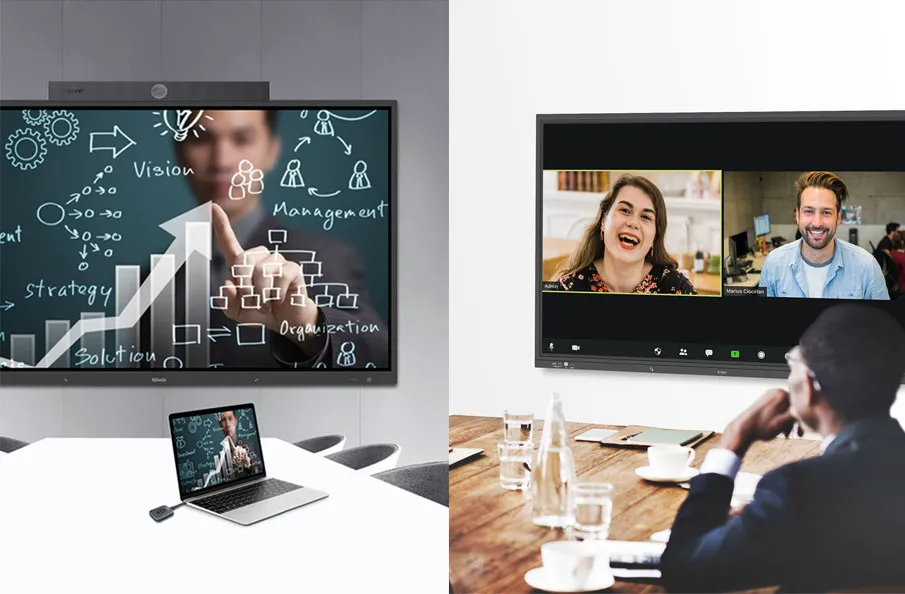
An interactive whiteboard gives you the ability to use a display as a touchscreen device for everything from whiteboard to collaboration. An interactive whiteboard is a tool that allows multiple people to engage in a collaborative experience using a touchscreen to take notes, annotate content, and more.
Interactive whiteboard technologies:
Interactive whiteboard has several technologies, such as infrared, digital vision touch, projector capacitive touch, etc. This article will talk about the digital vision touch interactive whiteboard of the IQBoard brand.

It has four sizes: 82’’,87’’,92’’,100’’. and IQBoard digital vision touch interactive whiteboard support gesture recognition: 1 finger to write, 2 fingers to select, and full palm to erase.
Advantages:
10 points touch and no special pen required
18 hotkeys on both sides for handy operation
For 92’’ and 100’’ sizes, it supports a front detachable design for easy maintenance and upgrade.
Four high-quality cameras to ensure excellent performance in anti-light interference.
Bundled with IQ Interactive Education Platform Software which has rich resources and tools, IQBoard Digital Vision touch interactive whiteboard can achieve a vivid classroom solution.
Here are some other articles that we think might interest you:
To Go for Interactive Whiteboard (IWB)or Interactive Flat Panel (IFP) Display ?
How Q-NEX Interactive Classroom Technology is Transforming Education
Classroom Technology: How to Select a Truly Visually-Friendly Interactive Flat Panel Display